Upgrading Homebrew Channel
This guide upgrades the Homebrew Channel on your rooted TV to Test Build 0.8.0-test2.
Do I need this if I already have v0.7.3?
- webOS 11 - apps that need root access may report that root is not available, even if homebrew says that root status is ok (fix).
- webOS 7 and webOS 8 - fixes Parse Error: Header overflow when installing or updating apps from the homebrew TV app because GitHub now sends more than 8 KB in headers and nodejs on these webOS versions can't handle it. (fix)
- webOS 1 - 3 - homebrew autostart doesn't work on these old webOS versions, so startup.sh doesn't run after the TV reboots and there is no SSH or Telnet (issue, fix).
- webOS 4, 5, 6, 9, 10 - v0.7.3 is enough, you don't need to upgrade to 0.8.0-test2.
Prerequisites
- Rooted TV. Non-rooted TVs are not covered in this guide (yet).
- Enabled SSH Server checkbox in homebrew settings.
- You need to be connected to the root shell of your TV. You can follow my other guide about installing and using webOS Dev Manager (or just connect via SSH root@TV_IP pass alpine). Then come back here.
Upgrade homebrew channel to 0.8.0-test2
To upgrade homebrew channel to 0.8.0-test2 we will copy paste few commands to the TV's
root shell.
We are connected to the root shell
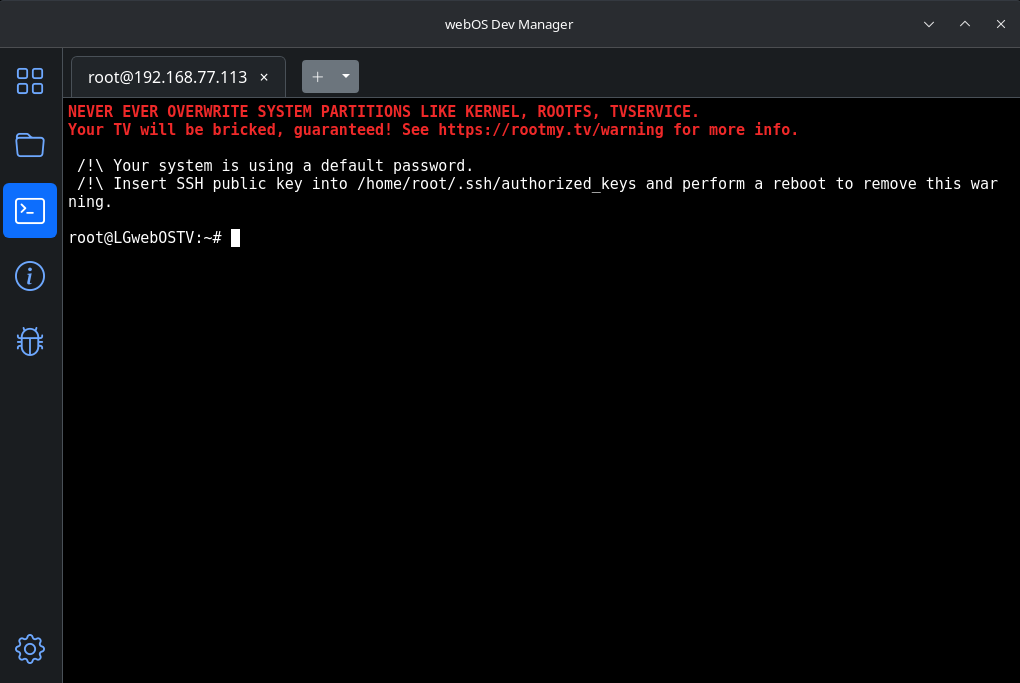
First download the new Homebrew Channel 0.8.0-test2 ipk file (this assumes your TV is online):
wget https://github.com/throwaway96/webos-homebrew-channel/releases/download/v0.8.0-test2/org.webosbrew.hbchannel_0.8.0_all.ipk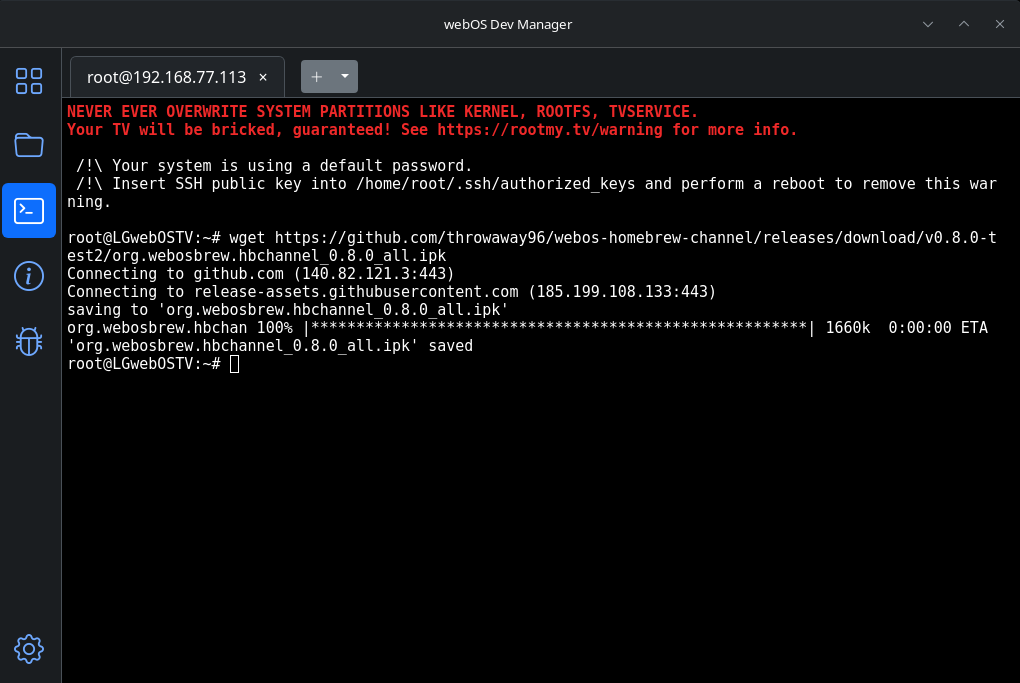
Install the new homebrew channel 0.8.0-test2 ipk file:
luna-send-pub -i 'luna://com.webos.appInstallService/dev/install' '{"id":"com.ares.defaultName","ipkUrl":"/home/root/org.webosbrew.hbchannel_0.8.0_all.ipk","subscribe":true}'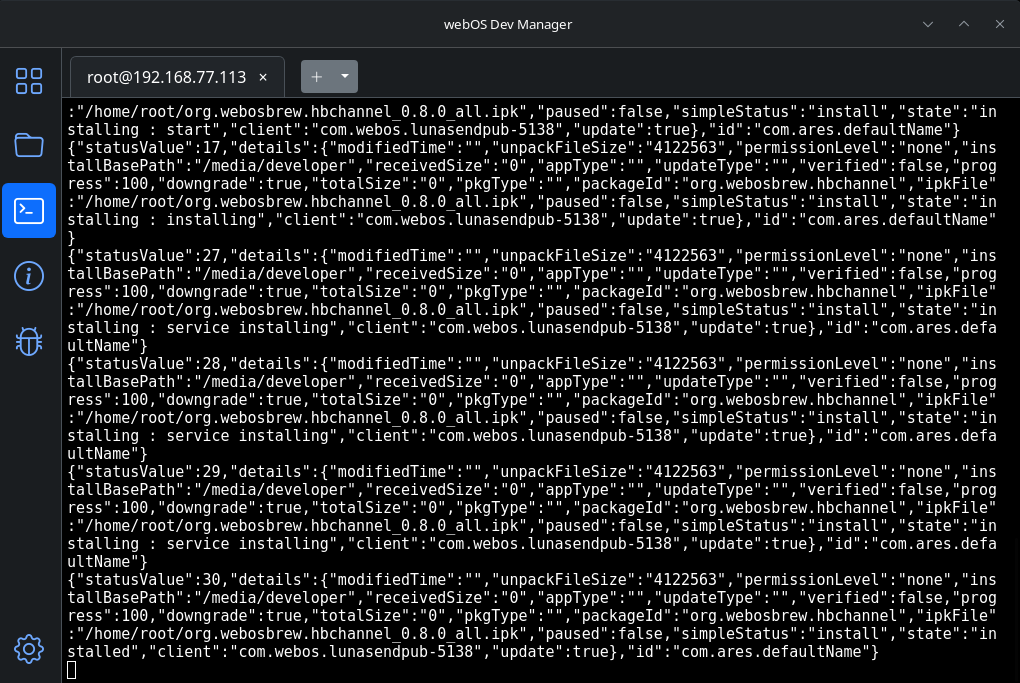
After you see that is was installed (there is no change for 20 seconds), send CTRL+C to return back to the shell.
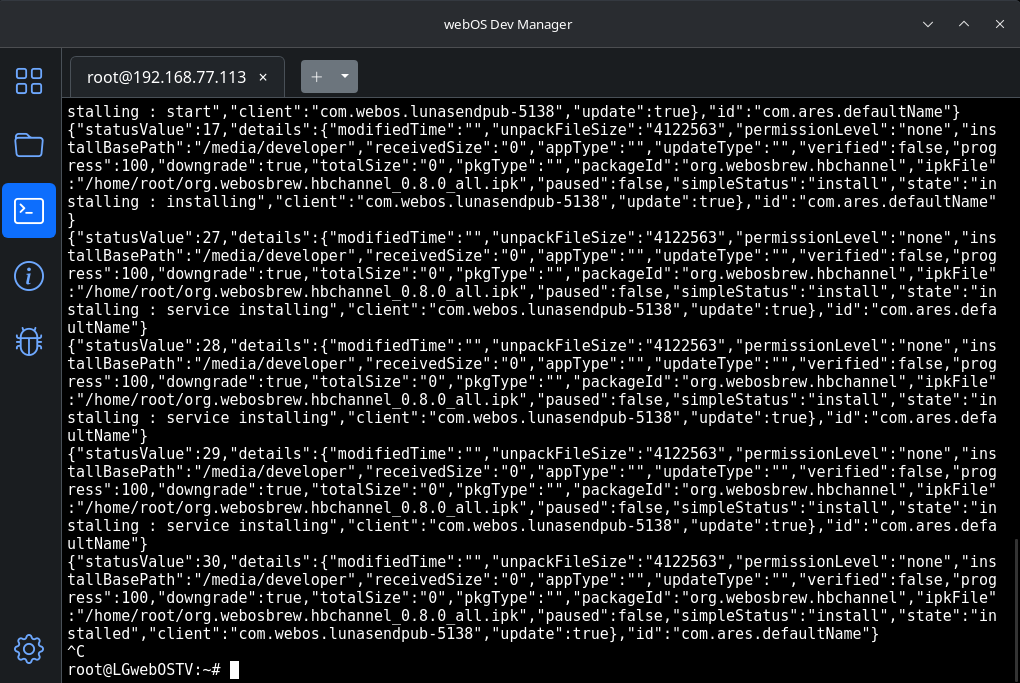
Elevate the Homebrew Channel service:
/media/developer/apps/usr/palm/services/org.webosbrew.hbchannel.service/elevate-service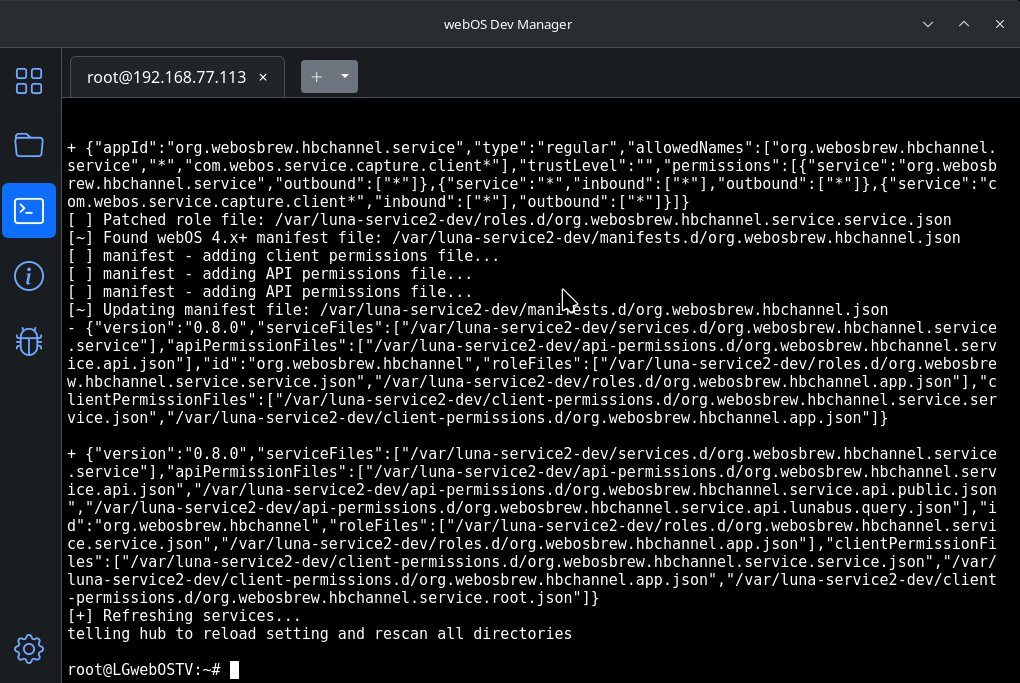
And copy the startup script:
cp /media/developer/apps/usr/palm/services/org.webosbrew.hbchannel.service/startup.sh /var/lib/webosbrew/startup.sh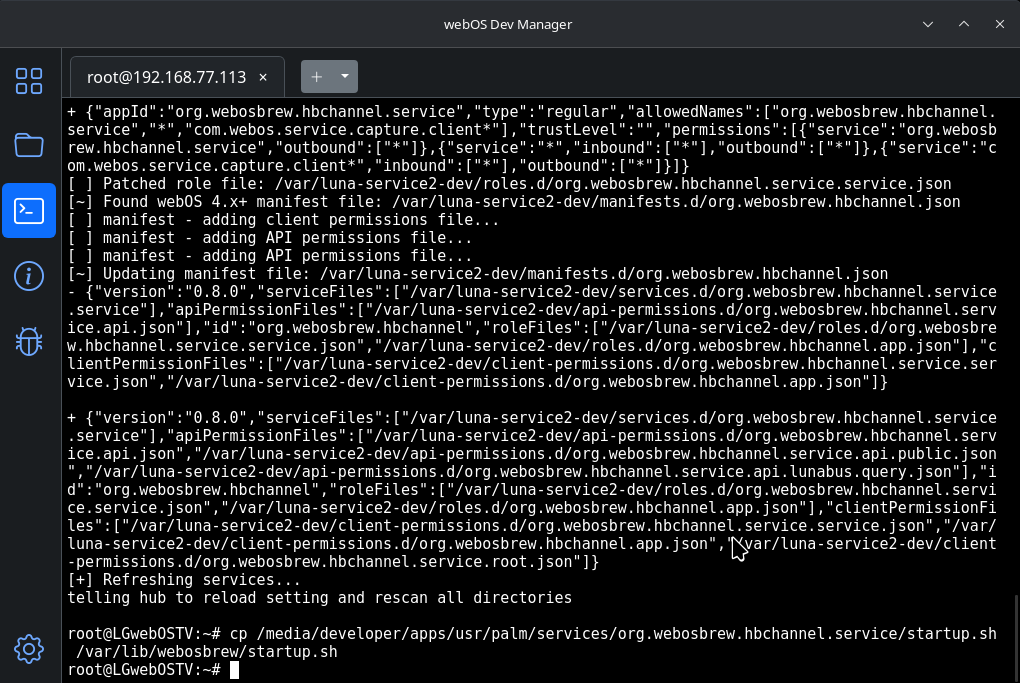
Ve will now verify it. Open homebrew:
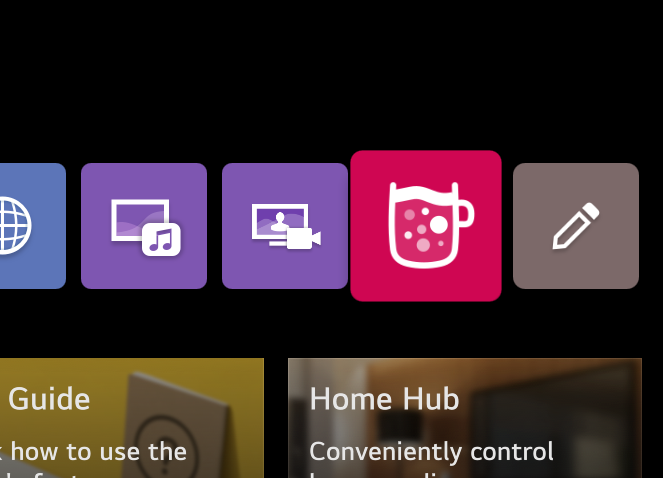
Go to homebrew settings
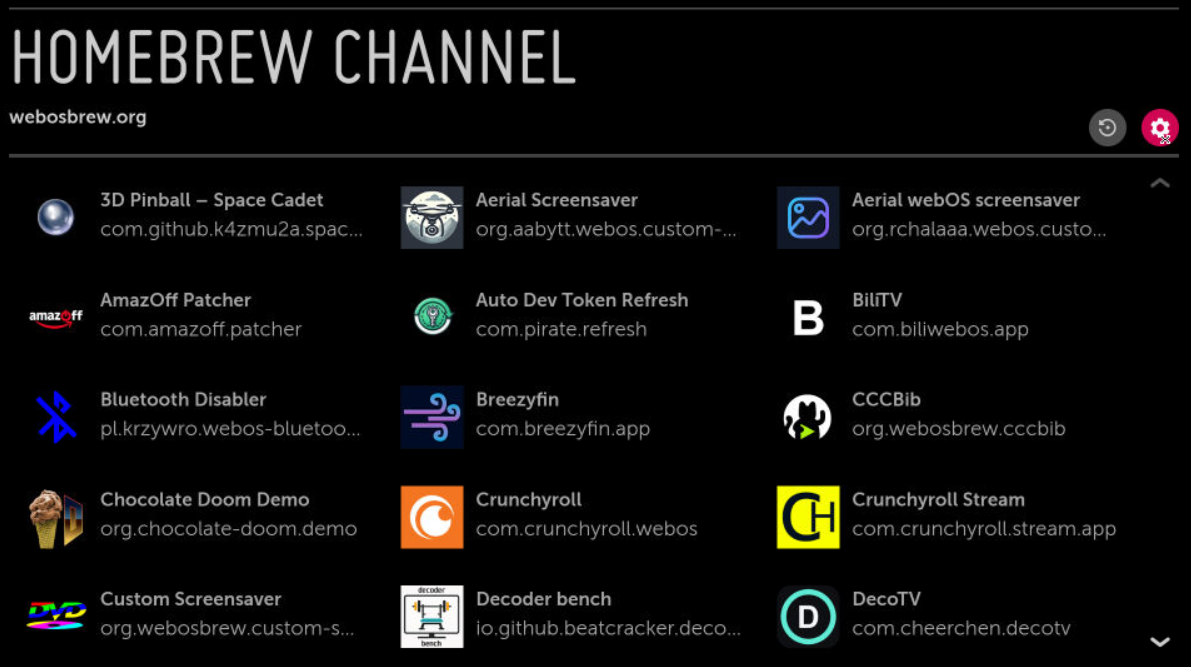
Homebrew channel is now updated and root status says ok:
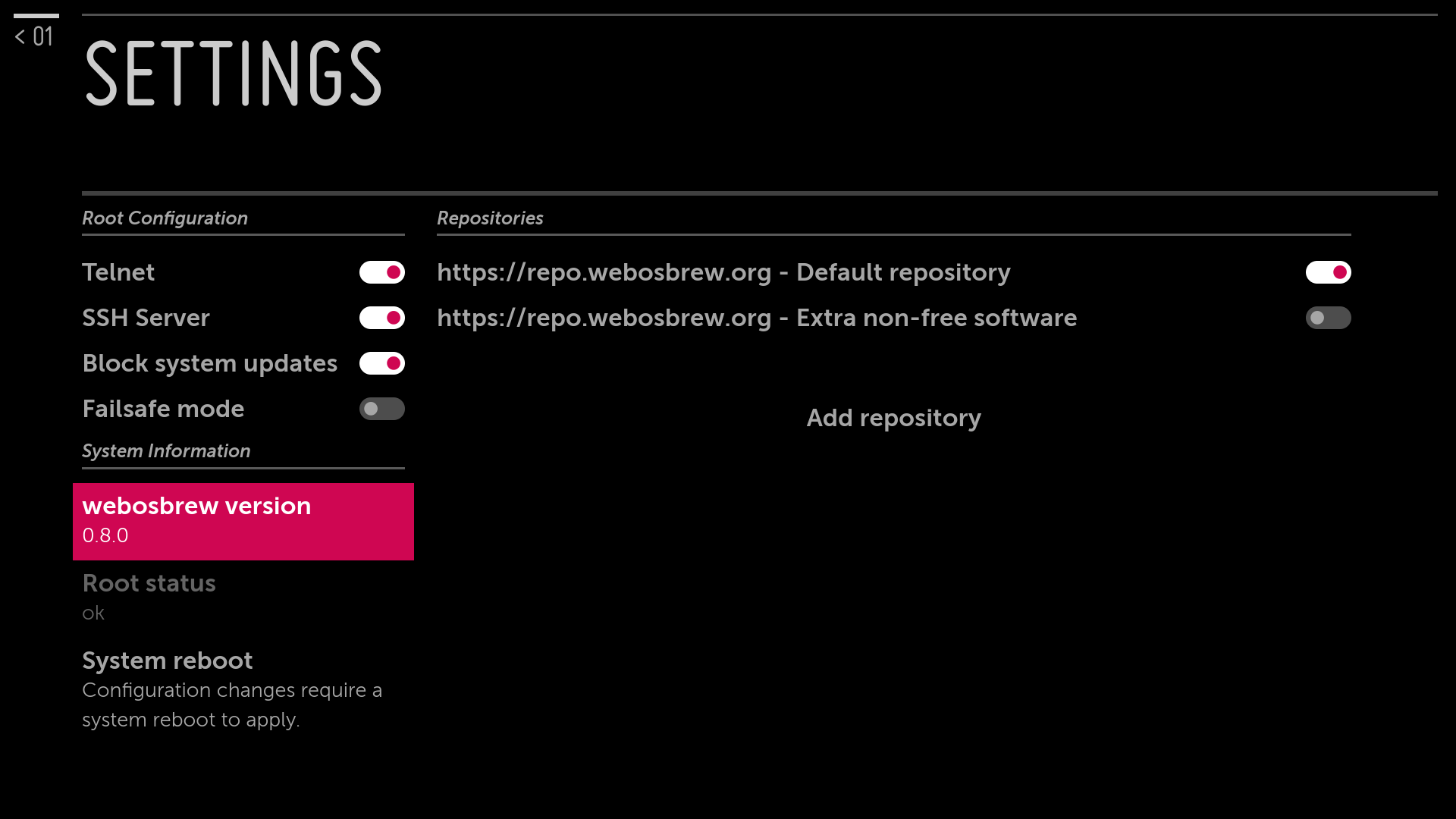
Then press the System reboot button and verify that the root is still ok